
Scan sheet music. Hear it play.
PlayScan is a sheet music scanner that plays printed music back to you — slow it down, loop the hard bars and practice along. Works in your browser, and on iPhone and Android.
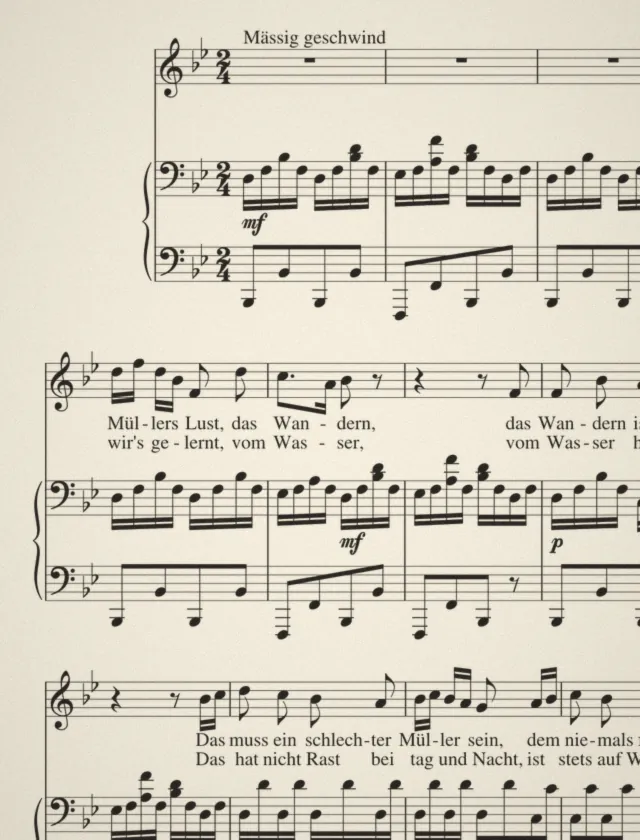
Drop a photo or PDF of printed musicTake a photo of one page
JPG, PNG, HEIC, WebP, TIFF or PDF
Tip: lay the page flat, in good light, with the whole page in the frame.
1 photo — free (10 a month). PDF and multi-page scans — Pro.
Free account · No card needed
Hear how a score sounds in PlayScan
Für Elise (easy version)
Open this score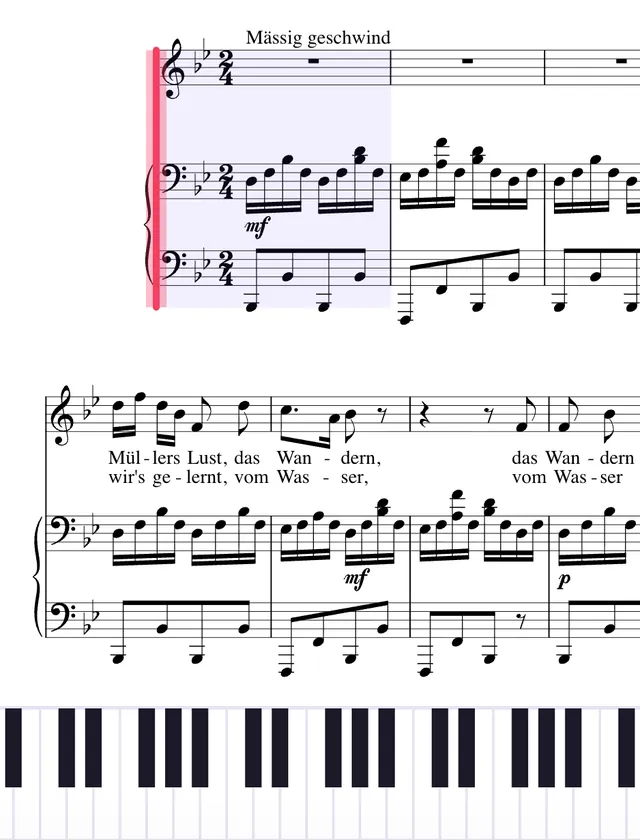
- Works in your browser
- 7,351 free scores
- 14-day refund on website subscriptions
- We don't sell your scans or use them to train AI
How it works
Scan
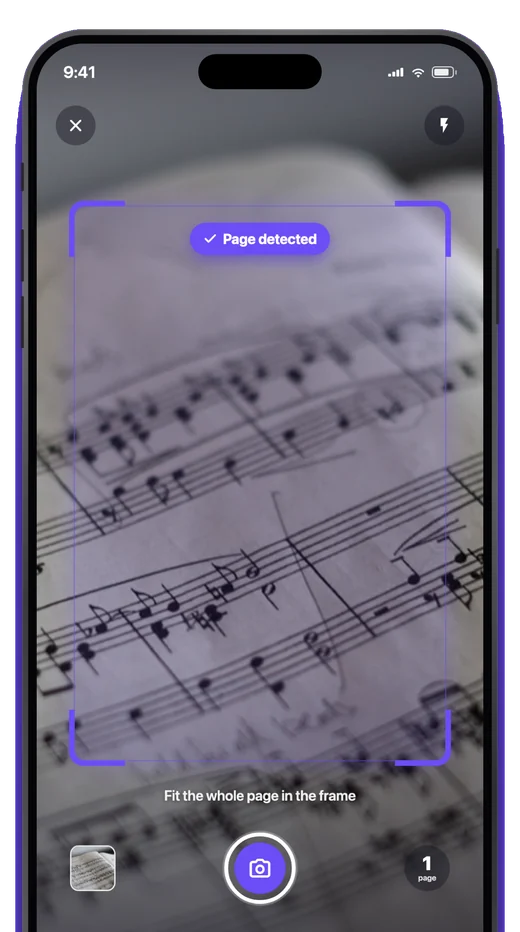
Photograph one printed page or upload a file.
Recognize
PlayScan reads the notes and rhythm and turns them into a playable score.
Hear it play
Listen right away, then practice along at your own pace.
Practice with the music, not against it
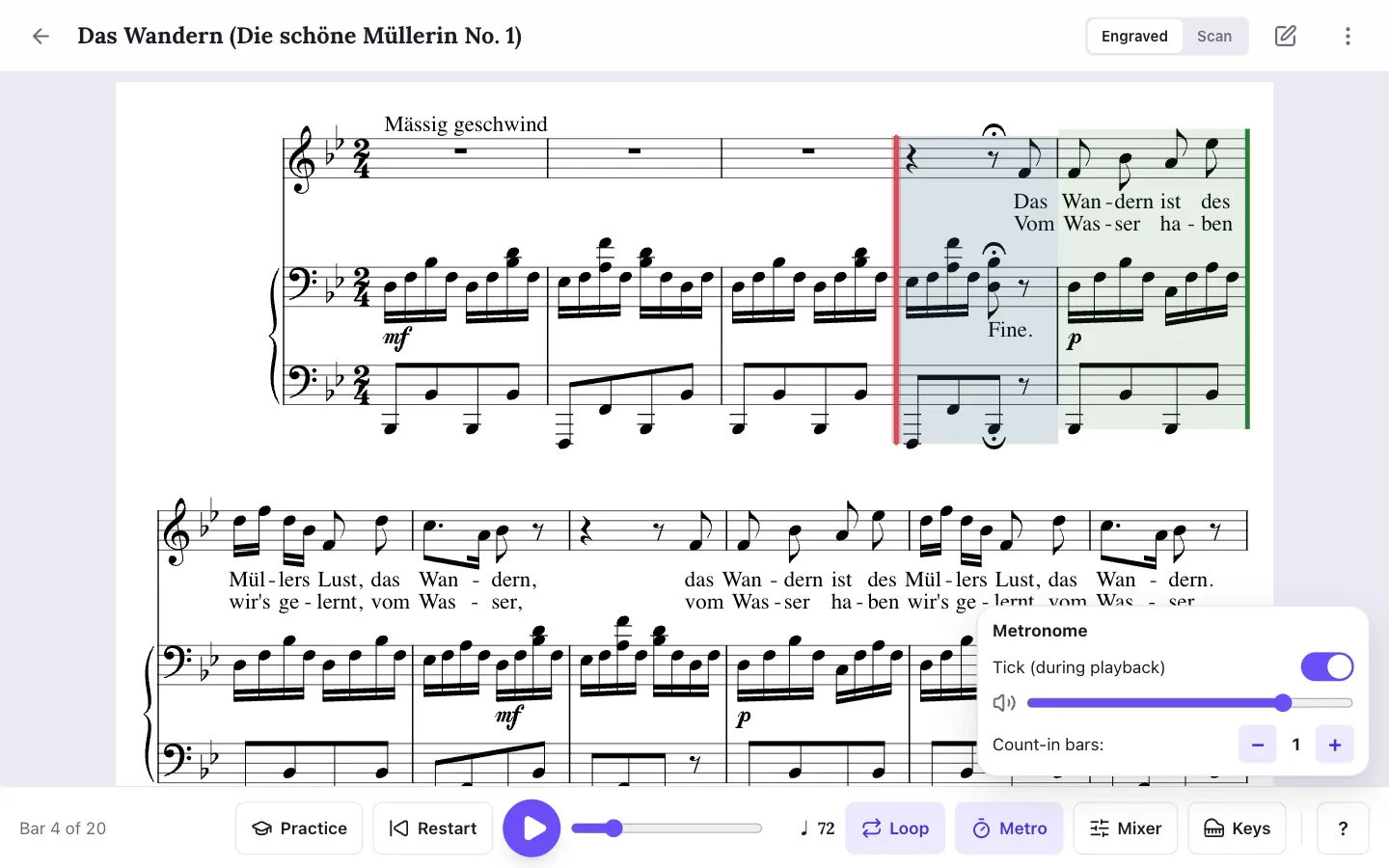
Practice at your own tempo
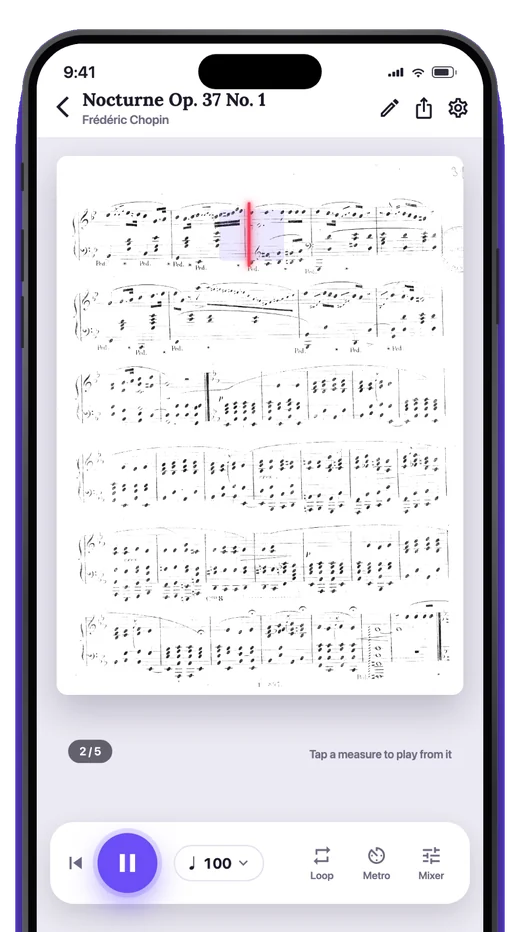
Slow a passage down, loop the hard bars and add a metronome with a count-in.
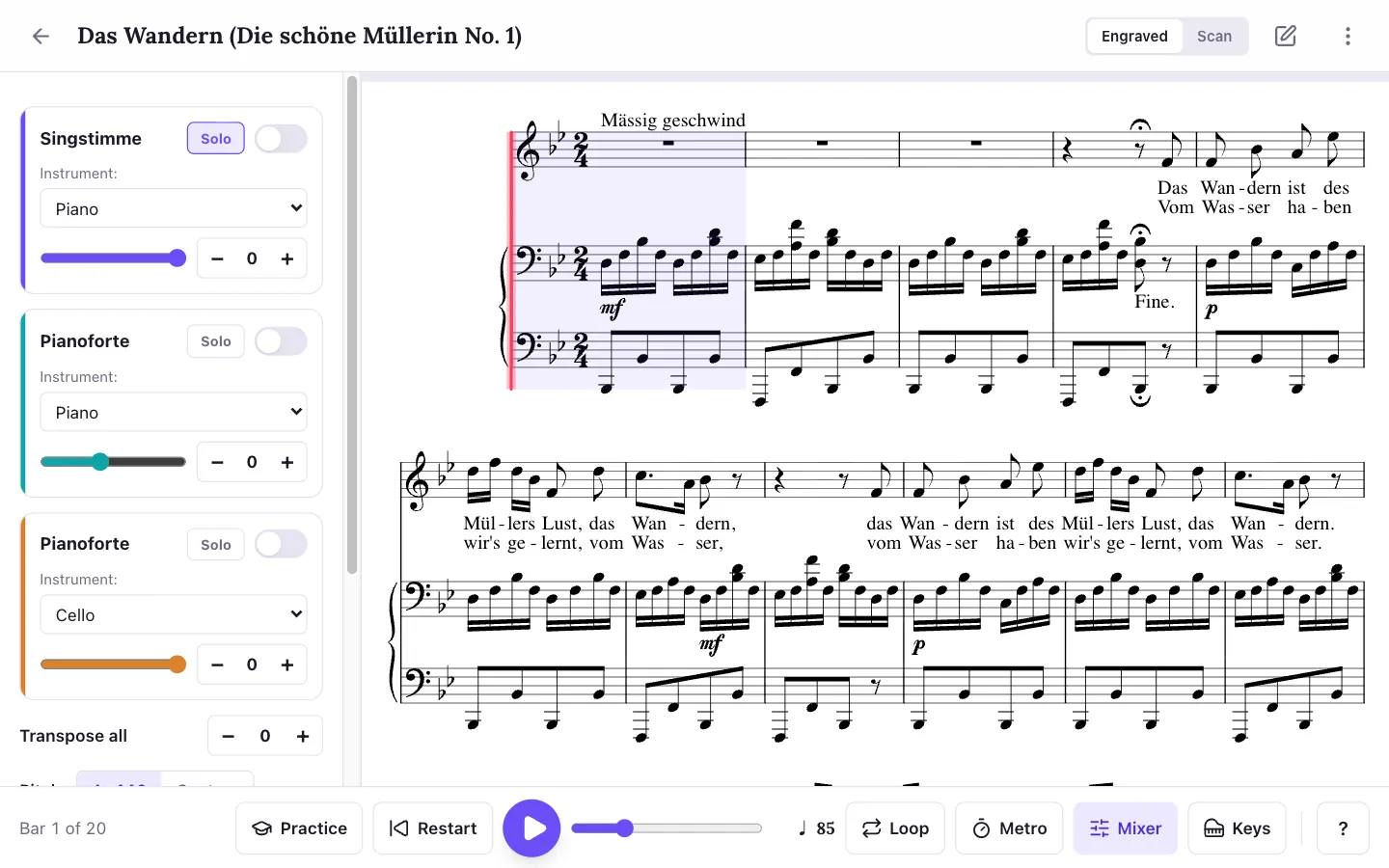
Hear every part
Mute, solo or transpose parts and choose the instrument that plays them.
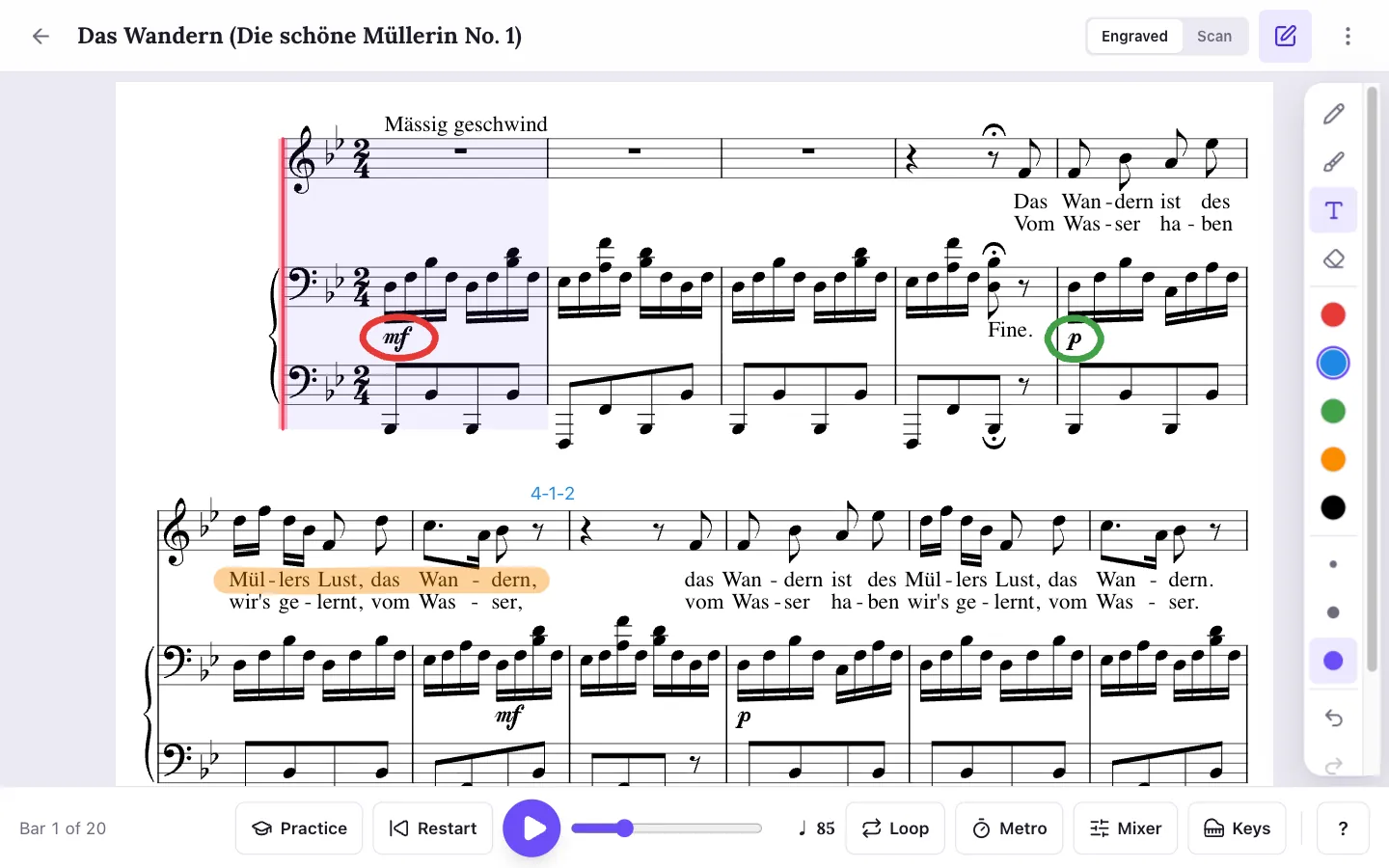
Mark up your score
Add fingerings and reminders with pen, highlighter and text.
Track your practice
Set a daily goal and keep your streak going.
Played it? Get the notes.
Drop a recording of piano playing into the box at the top of this page. PlayScan listens and writes it down as a score you can play back, slow down and practice with.
This is an automatic draft, not a finished edition. It works best with a clean recording of solo piano at a steady tempo. Free, expressive tempo and full songs with vocals or a band don't work yet.
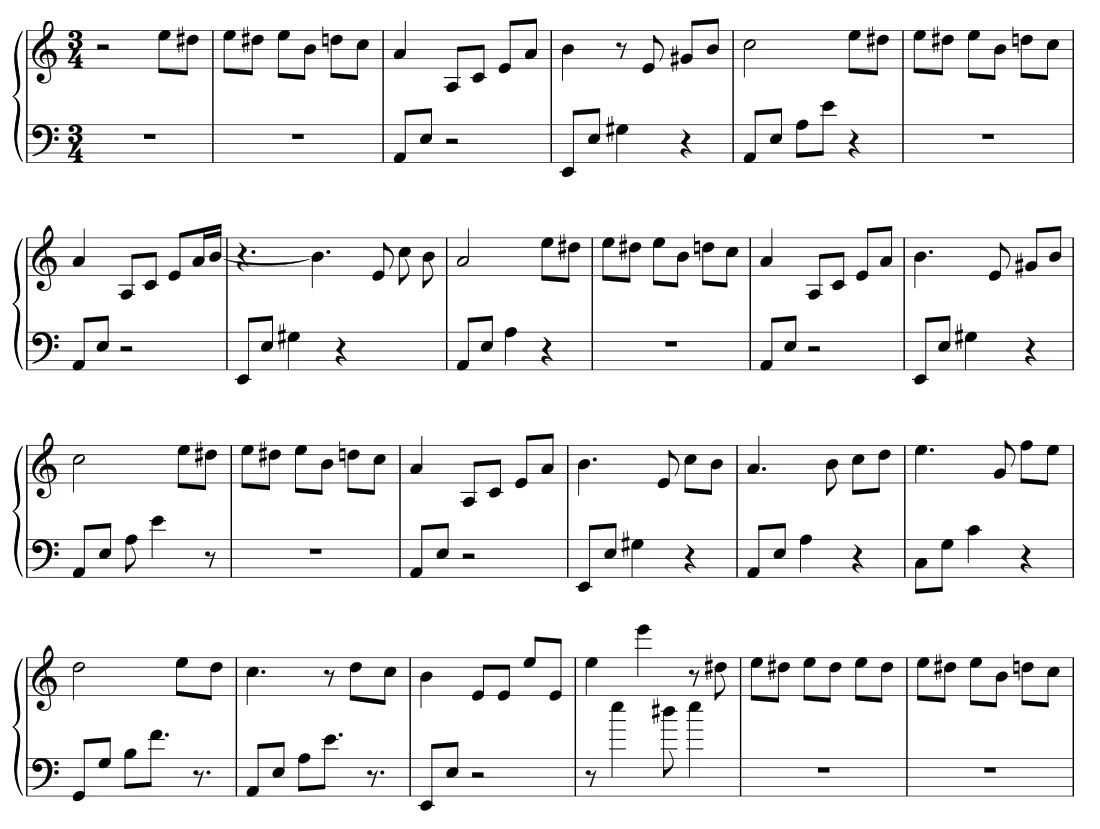
Für Elise, WoO 59
Ludwig van Beethoven
Automatic draft, not corrected by hand
Recording: V Gao, public domain, via Wikimedia Commons
Popular free sheet music
 Allegro in B-flat major, K. 3Wolfgang Amadeus Mozart · Piano · Beginner
 Canon in D (easy version)Johann Pachelbel · Piano · Beginner
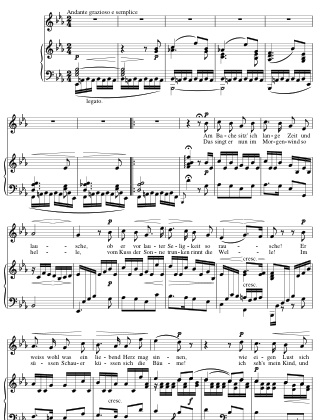 Am Bache, Op. 20Josephine Lang · Voice · Intermediate
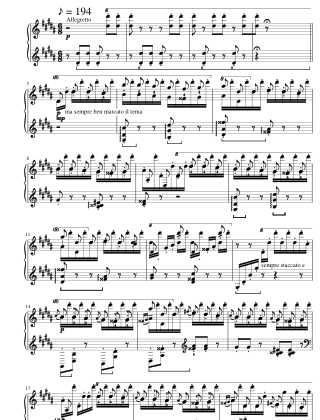 La campanella (Grandes études de Paganini No. 3)Franz Liszt · Piano · Advanced
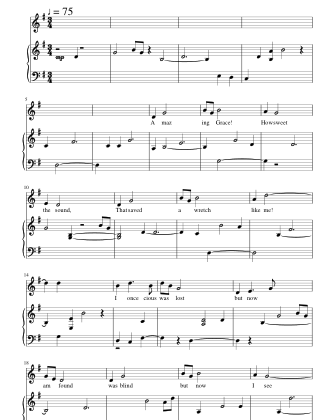 Amazing GraceTraditional American (New Britain) · Piano · Beginner
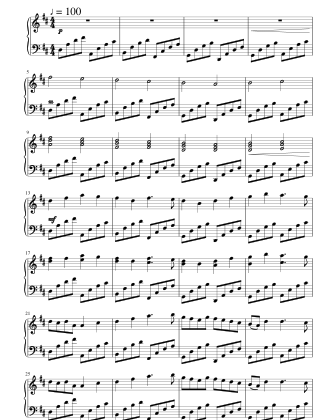 Canon in DJohann Pachelbel · Piano · Intermediate
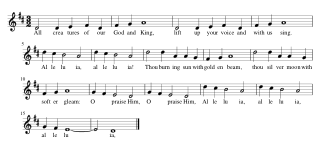 All Creatures of Our God and KingTraditional German (Lasst uns erfreuen) · Voice · Beginner
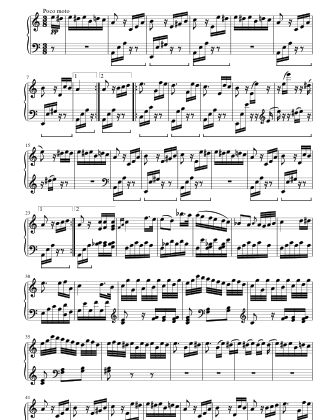 Für Elise, WoO 59Ludwig van Beethoven · Piano · Intermediate
Get the app
Scan with your camera


Questions and answers
What can I do for free?
Scan up to 10 single-page scores each calendar month, play them back with all practice tools, download the original files of your scans, and open the free score catalog and courses.
What kind of sheet music can I scan?
Printed sheet music that you have the right to use. Handwritten scores and blurry or skewed photos may not be recognized correctly.
Which browsers are supported?
Current versions of Chrome, Edge and Firefox, and Safari 16.4 or later on Mac, iPhone and iPad.
Does my App Store or Google Play subscription work on the website?
No. Pro bought in the PlayScan app for iPhone or Android works in the app and is managed in the App Store or Google Play. Pro on the website is a separate subscription. If you only need Pro in the app, you don't need to buy it here.
Free: 10 single-page scans a month. Pro adds multi-page scans, PDF import and export.
Pricing